
How to Use Shrewd LMS as Teacher
Step-by-step instructions for installing the app, setting up courses, adding and managing activities, and accessing reports — all within Microsoft Teams.
Important Note: Shrewd LMS works natively within Microsoft Teams and does not require Azure Active Directory (Azure AD) configuration. We strongly recommend not using Azure AD groups or custom restrictions to control access, as this may cause unexpected access issues. Manage access using Microsoft Teams settings and policies only.
Course Page Overview
Inside Shrewd LMS, you can build and manage learning content by adding Sections and Activities.
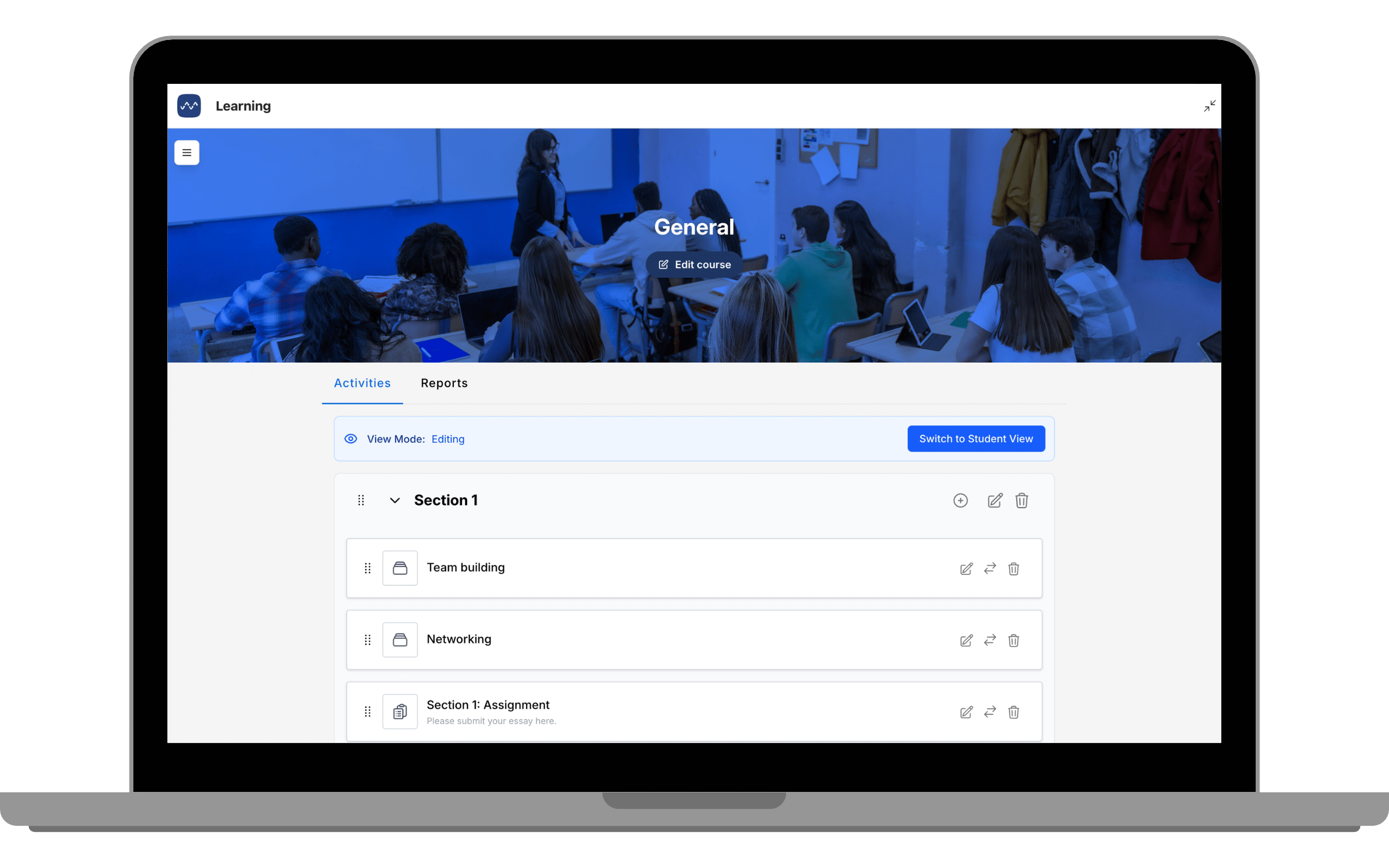
Sections let you group related content into parts and put those parts in the order you want learners to follow.
Inside each section, you can add activities. An activity is a single item of course content, such as a document, a video, a SCORM package, a quiz or an assignment. Each activity has its own settings, which depend on its type.
Use the Reports tab to check learner progress, and Switch to Student View to see the course as your learners will.