How to Use Shrewd LMS as Teacher
Step-by-step instructions for installing the app, setting up courses, adding and managing activities, and accessing reports — all within Microsoft Teams.
Important Note: Shrewd LMS works natively within Microsoft Teams and does not require Azure Active Directory (Azure AD) configuration. We strongly recommend not using Azure AD groups or custom restrictions to control access, as this may cause unexpected access issues. Manage access using Microsoft Teams settings and policies only.
Adding Shrewd LMS App within Microsoft Teams
Learn how to add the Shrewd LMS app to Microsoft Teams so you can access your courses and learning tools directly within Teams.
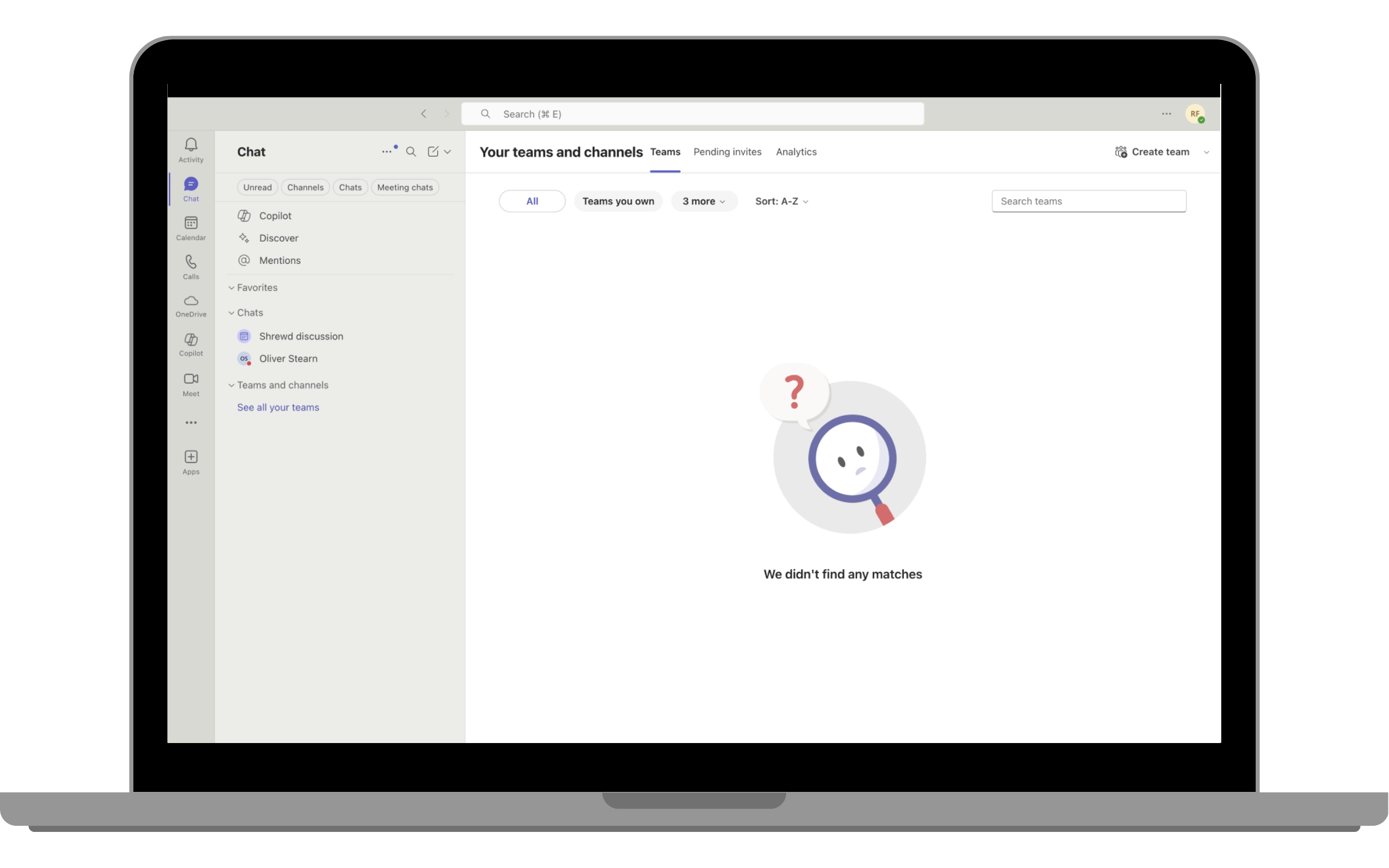
Step 2: Find and add the App
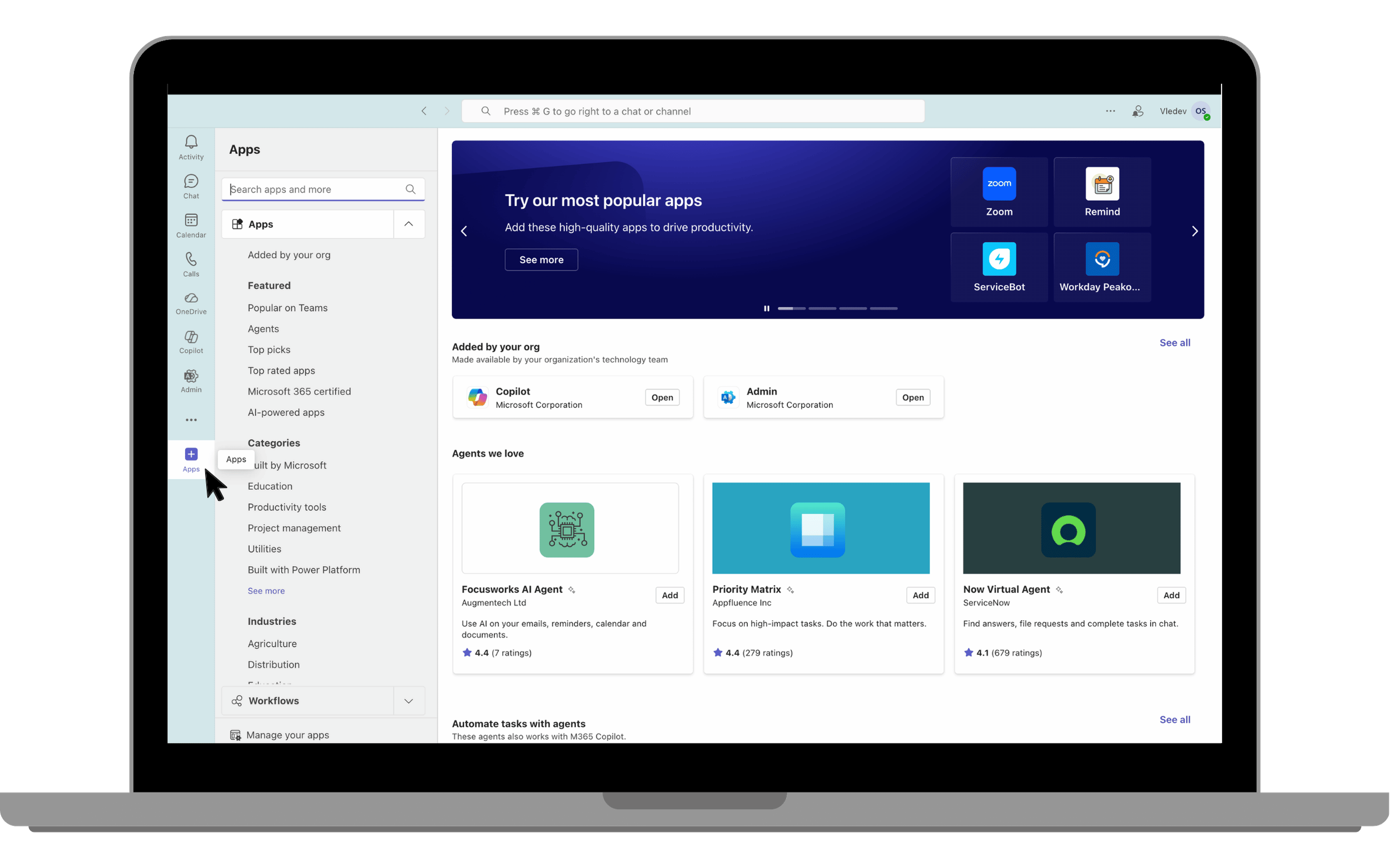
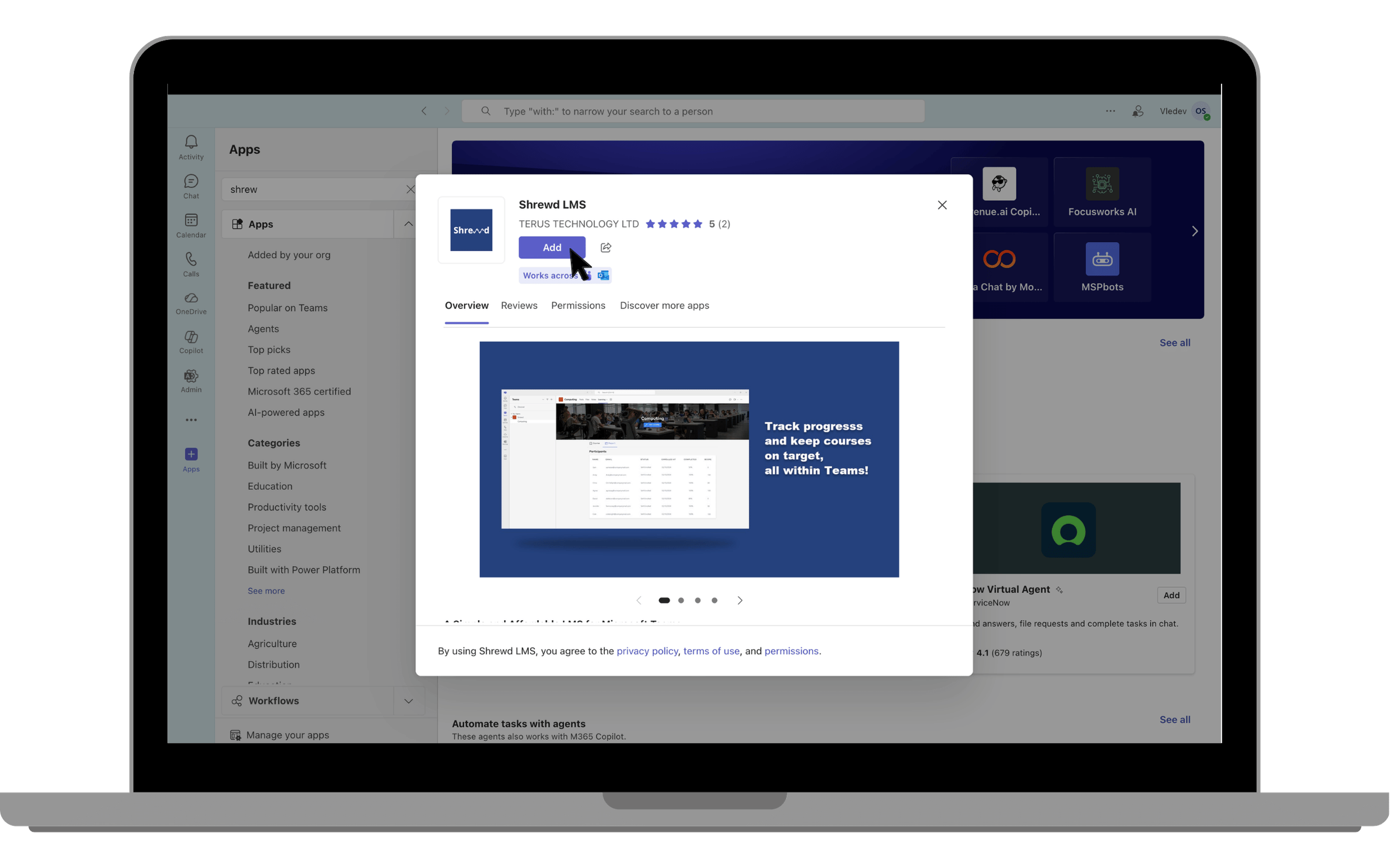
On the left sidebar, click on Apps.
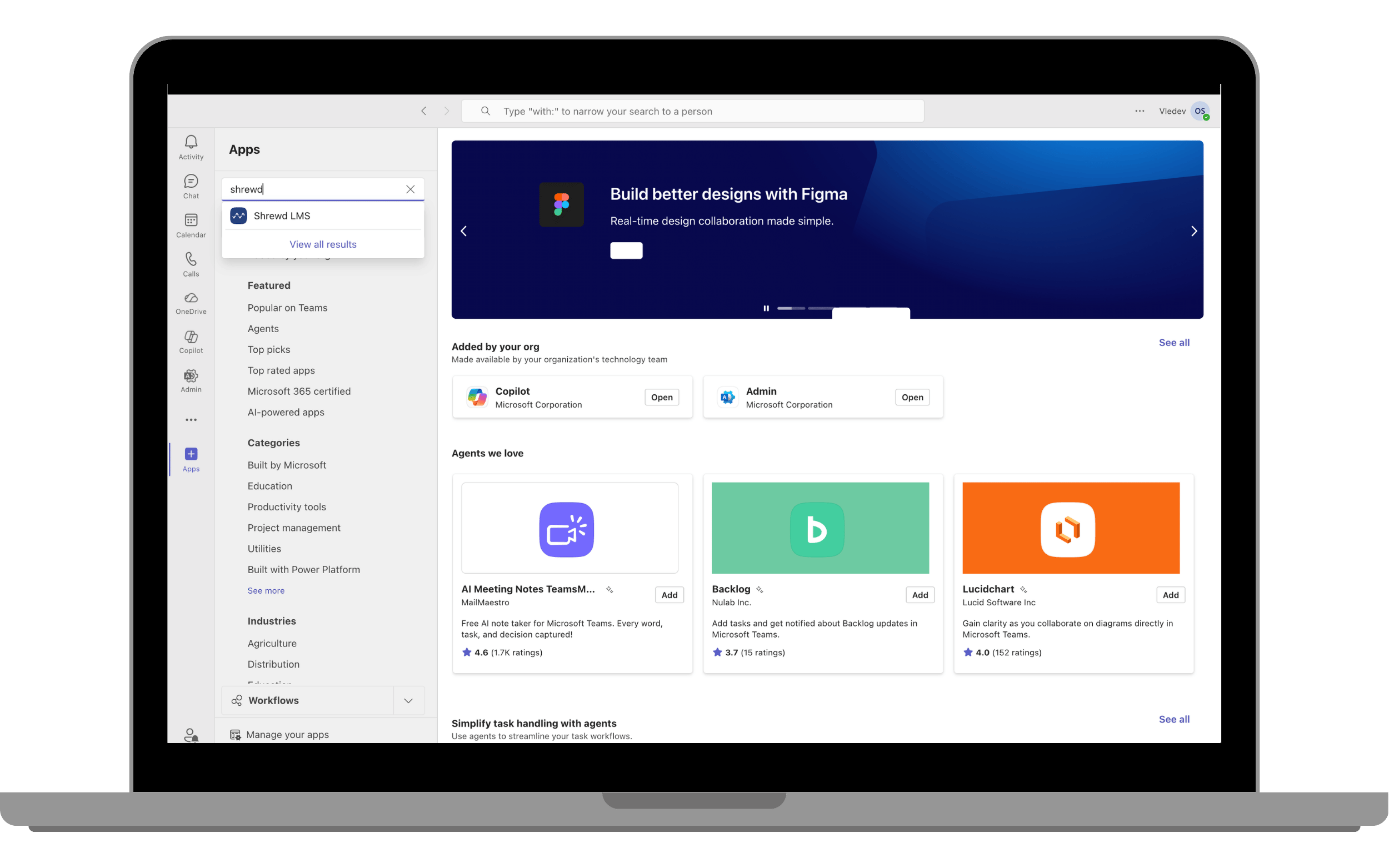
In the search bar, type Shrewd LMS.
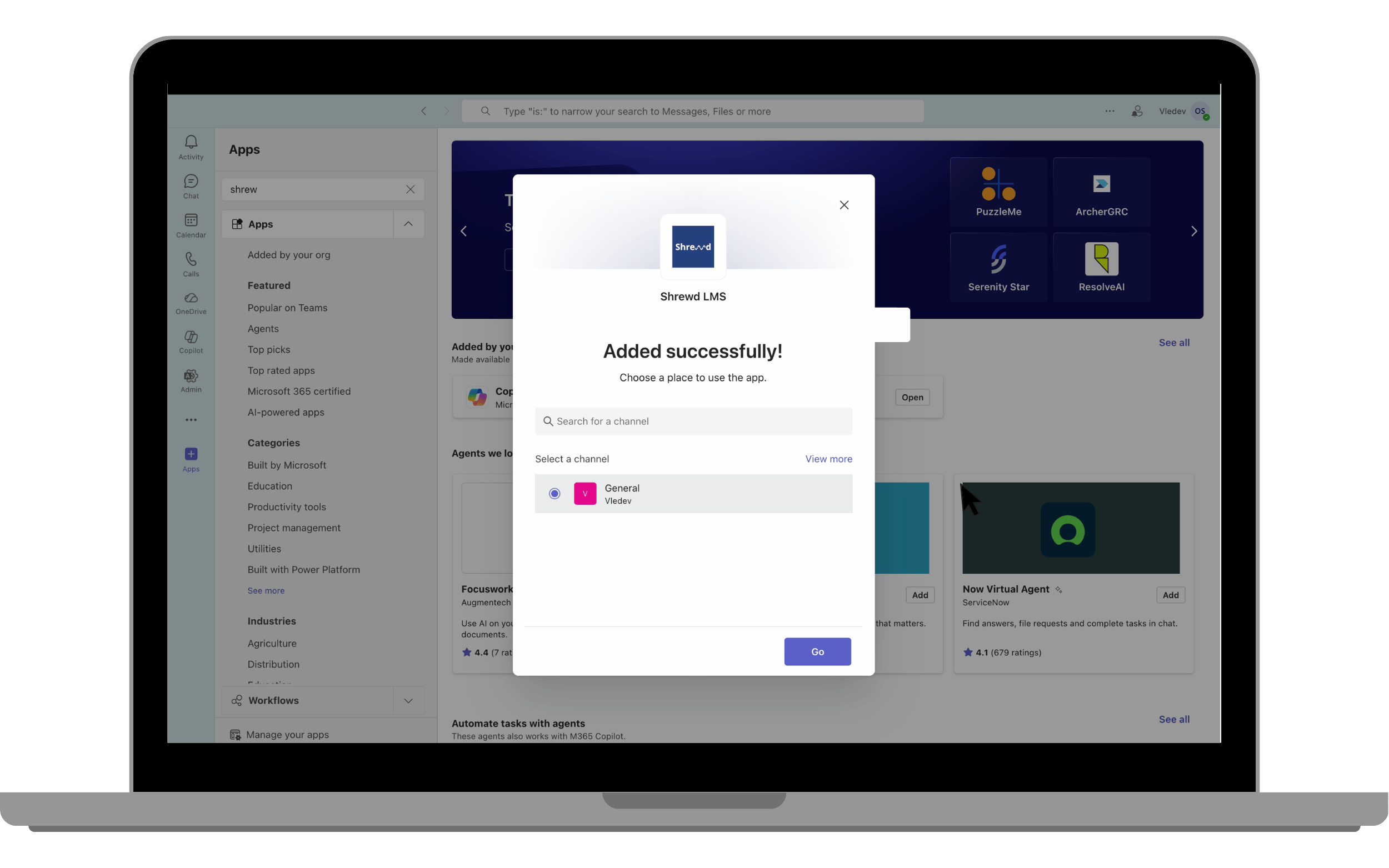
Click on the Add button to add the app to your Teams environment.
Shrewd App has been added successfully