How to Use Shrewd LMS as Student
Everything you need to access your learning, complete activities, monitor your progress, and download course certificates in Microsoft Teams.
Do not share your account credentials. Report any suspicious activity to your course administrator.
Certificates
Unlock and download proof of course completion
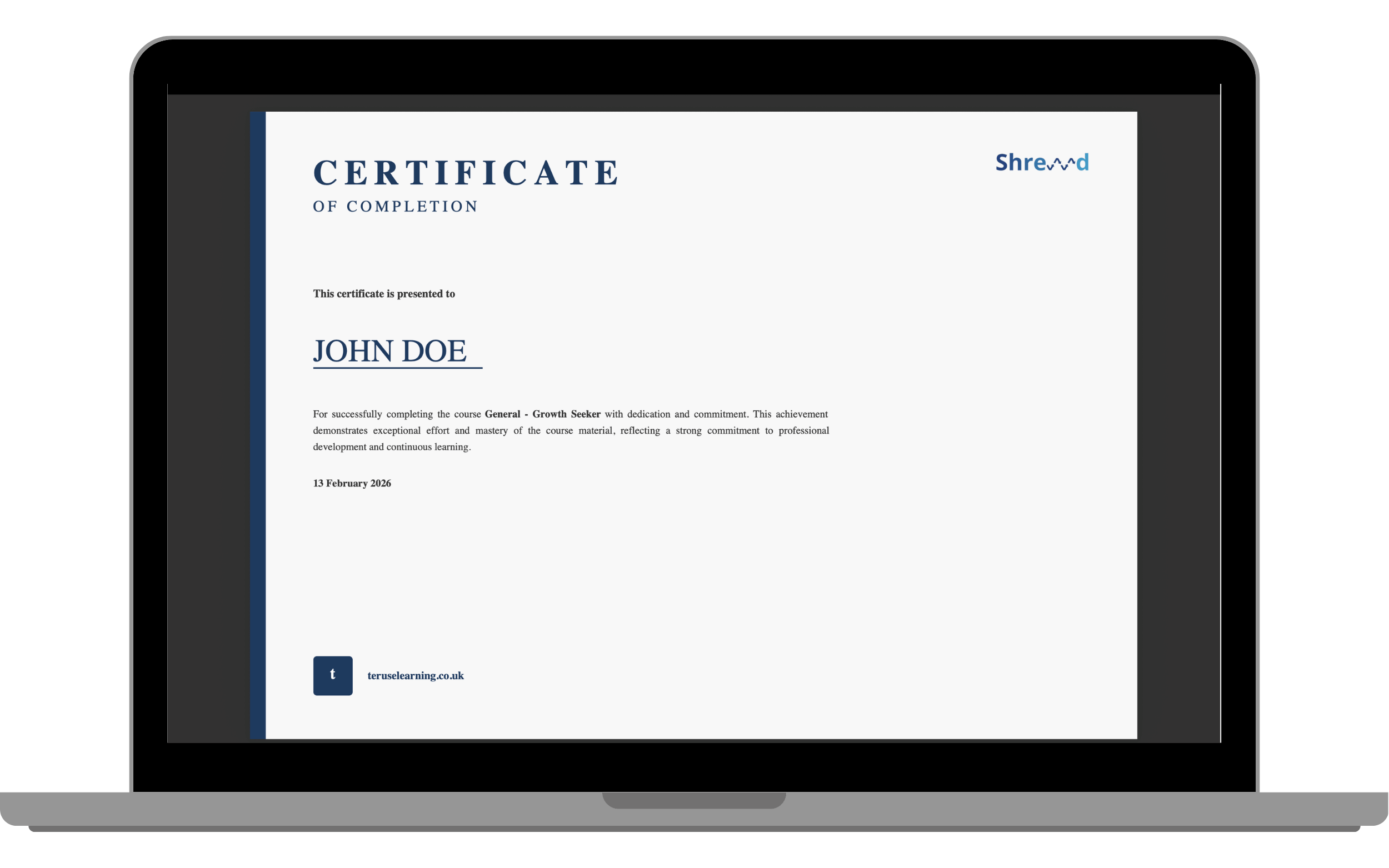
A certificate is awarded once you meet a course’s completion requirements, provided certificates have been enabled by your course owner. Certificate status appears in the Mini Dashboard.
Certificate Status
Locked: you still have required activities to complete. The certificate panel tells you how many remain.
Available: you have met all requirements and can view and download your certificate.
Download your certificate
Open the course.
Complete all required activities.
Select Download.